Block tags via Google Tag Manager: Easy and code-free
All steps directly through the dashboard, without needing developers.
If advanced configurations are needed, we're here to help.



Trusted by 50.000+ companies globally for privacy compliance


With Google Tag Manager you can quickly install and setup everything
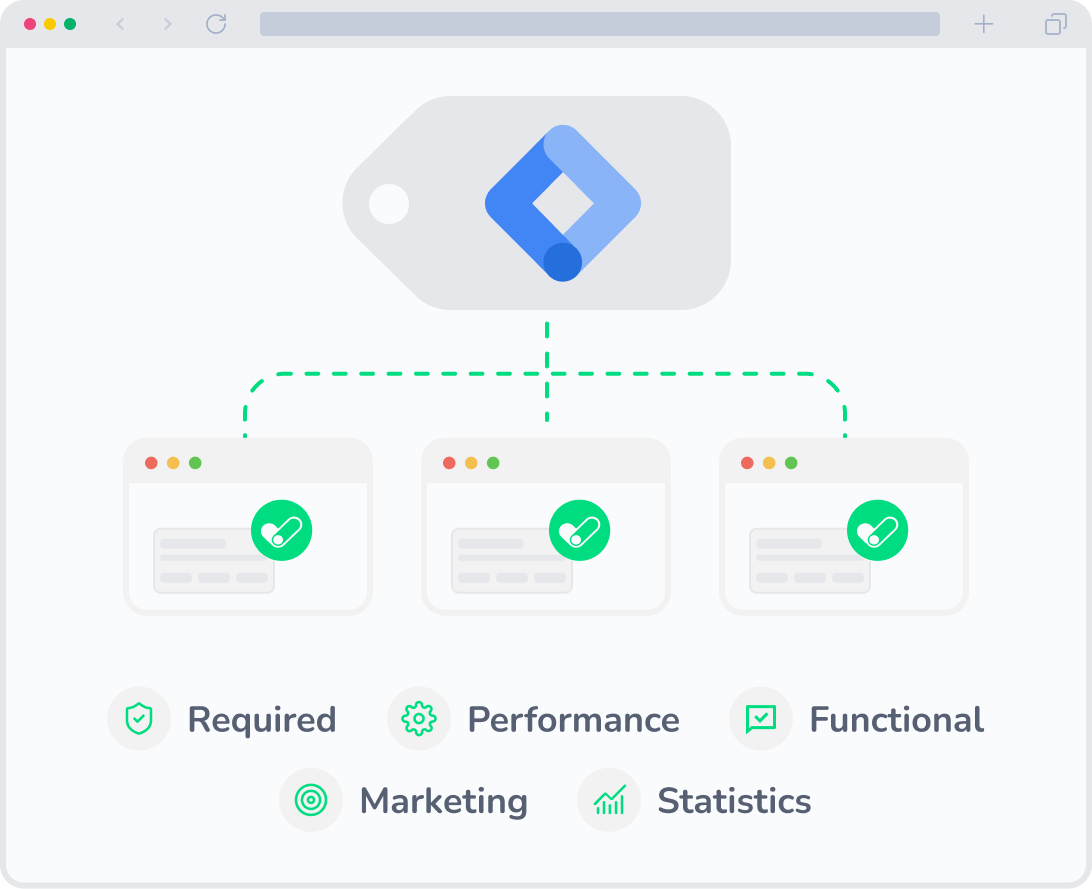
Create your AdOpt account, set up all the steps for your cookie banner, and get your exclusive in the installation section.
In GTM, just add a new tag to trigger on all pages, save, and publish to get your cookie banner live.
Then, access the tag scanner in the AdOpt dashboard and follow our tutorial to configure third-party tag blocking.
Done! Your company more secure in just a few minutes.
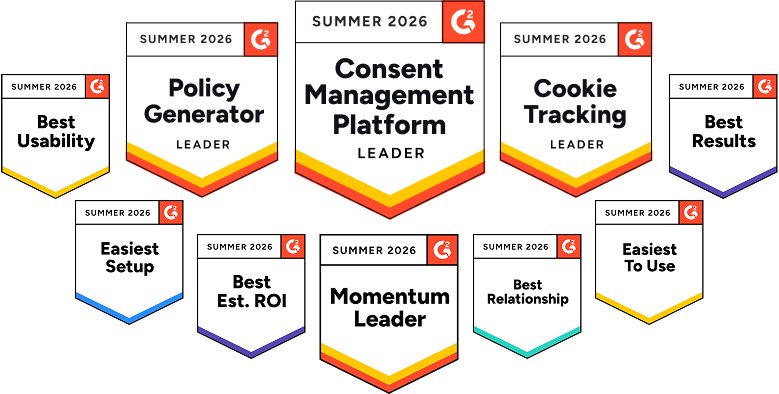
The "Easiest to Use" Consent Management Platform on G2
AdOpt receives excellent reviews for its technology, ease of implementation, and customer support from startups to large enterprises.
Top #1 in G2 main categories

How to install?
Your cookie compliance in 7 steps
Compliant with all data protection laws, in +40 countries and languages.


We speak cookie compliance so you don't have to!
Stop postponing cookie compliance!
Frequently Asked Questions (FAQ)
Yes, this feature is available in all plans.
Learn more about Privacy Regulations and Cookies

Why are cookie banners everywhere?
Want to understand why there are cookie banners on every website you visit today? This article is for you!
31 May 2022

Google Consent Mode: Beginner to Advanced Guide.
Google Consent Mode (GCM) is nothing more than a way for you to integrate the consent you collect from your visitors into Google technologies. In this way, upon receiving this consent information, collection can only occur with authorization, thus complying with the legislation and having direct evidence of compliance as defense for both you and Google.
26 Apr 2024

LGPD for marketing | A practical guideline.
Every day, millions of users generate data on the web, which is used by companies around the globe to improve their offerings. Therefore, in 2018, a law was created to regulate the use of personal data by companies, and this directly impacts digital marketing. We're talking about LGPD.
12 Sep 2023
Testimonials from some of our clients
Your website ready in minutes!
Stop putting this off today! We are the best Consent Management Platform (CMP).
Simple, straightforward and always compliant.



Address: 7345 W Sand Lake Road, Ste 210 Office 5898 Orlando, FL 32819
15 Rue du Général Campredon, 34000 Montpellier, France
207 Rue de Bercy, 75012 Paris, France
EIN: 86-3965064
Phone: +1 (407) 768-3792
AdOpt
Resources
Product
Certifications